Free pixel art background generator
Describe a scene and get a pixel art background in seconds — widescreen title screens, cutscene backdrops and level art up to 1920×1080, or portrait screens for mobile games. Free tier, not a trial: no signup, no credit card.
Backgrounds generated with pixler.dev
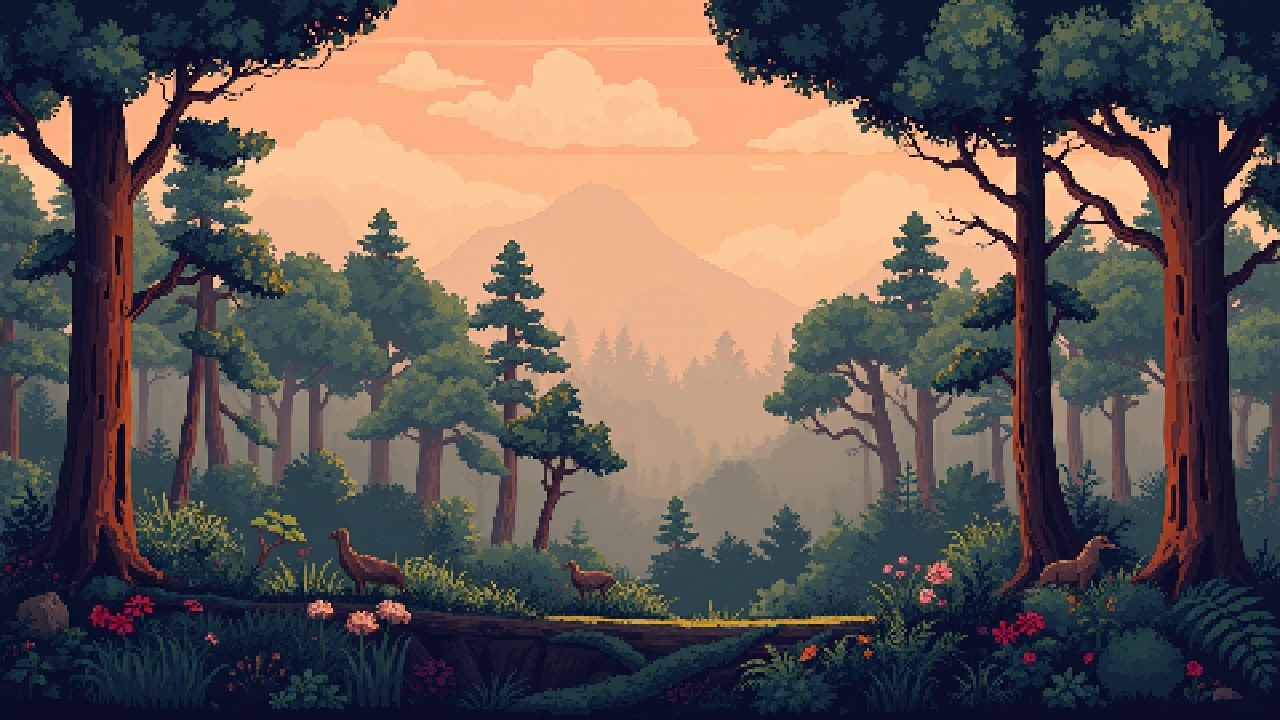
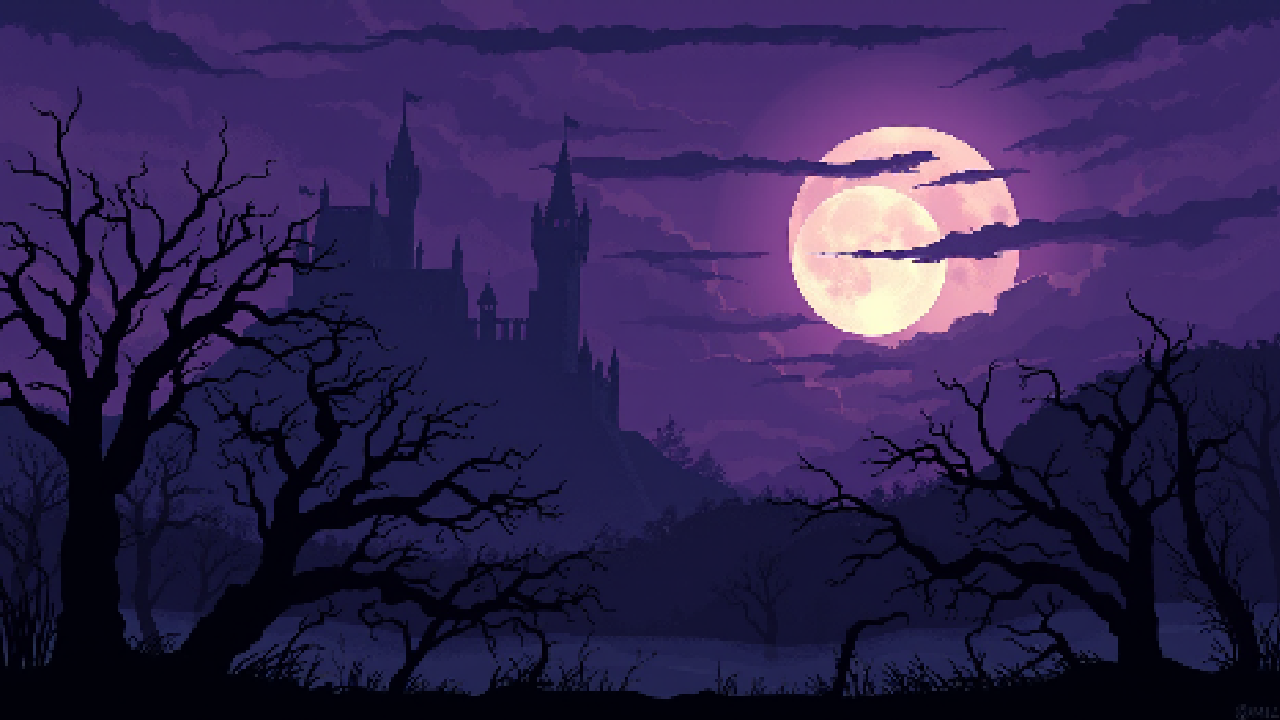
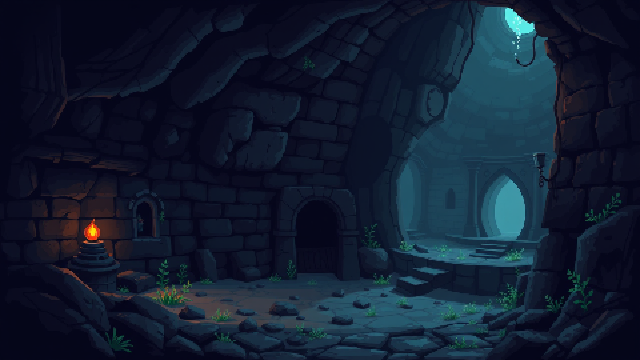
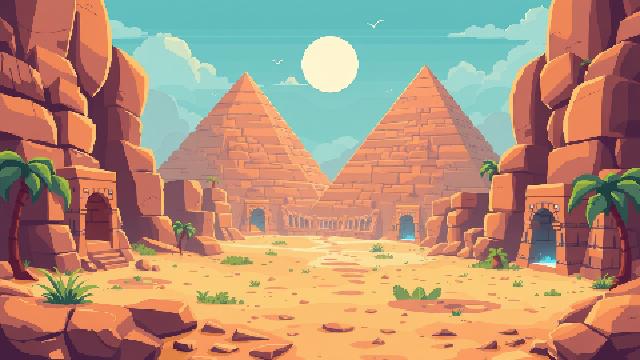
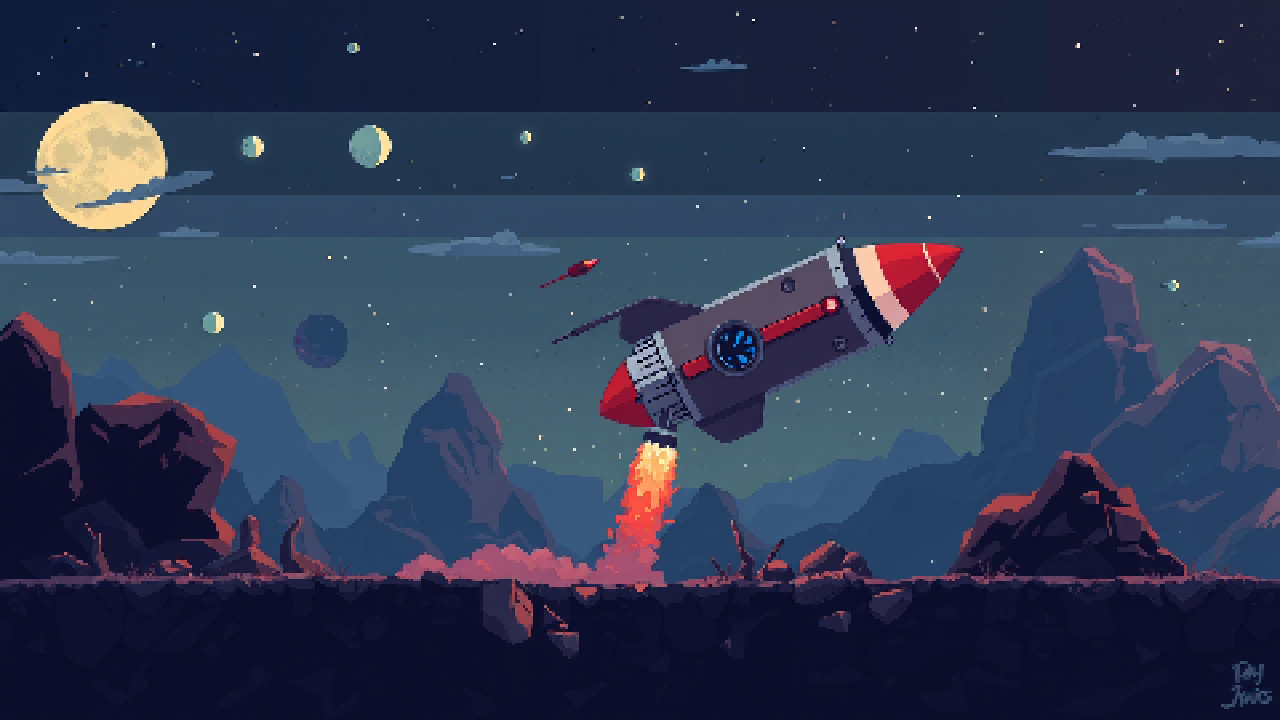
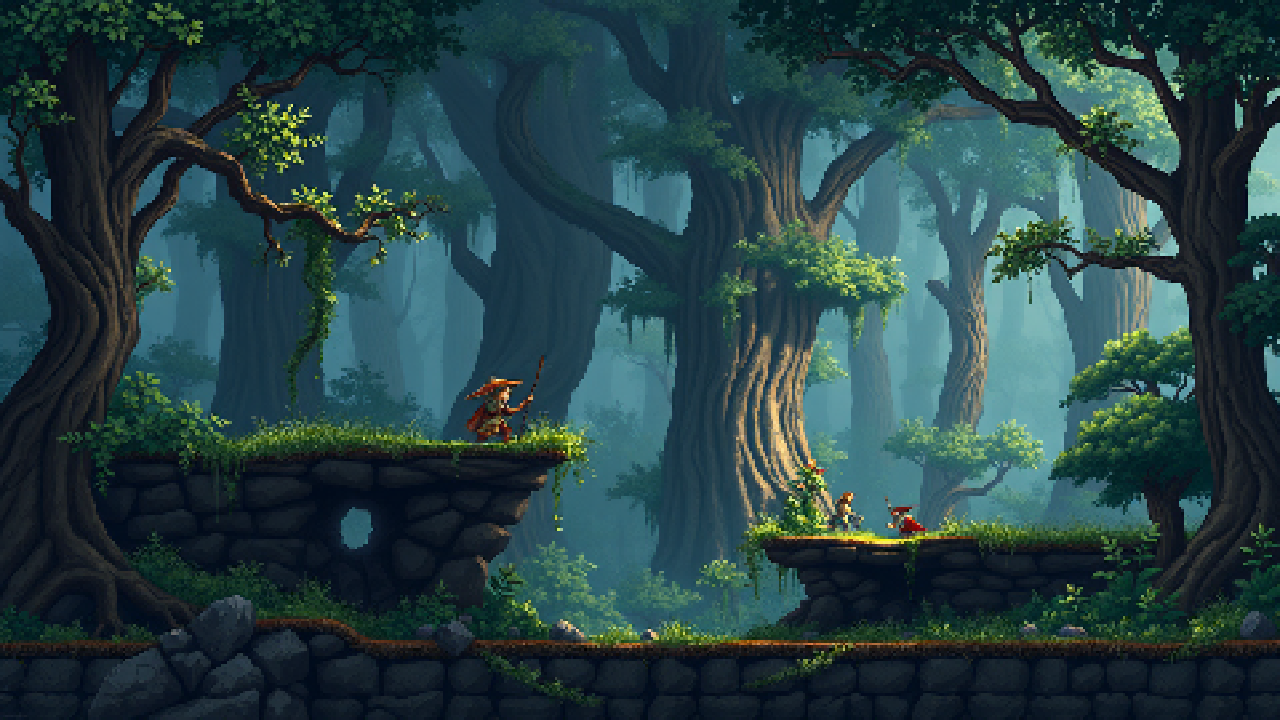
pixler.dev is a free AI pixel art background generator built for game developers. Type a scene description — "enchanted forest at golden hour", "neon cyberpunk alley in the rain" — and the model returns a pixel-perfect background at game-engine-friendly sizes: widescreen from 256×144 up to full HD 1920×1080, or portrait from 144×256 up to 1080×1920 for mobile games. It runs in your browser with no account and no credit card, so backdrops for your title screen, cutscenes or parallax layers are seconds away.
Full scenes from a prompt
Forests, dungeons, cities, deserts, space, interiors — describe the mood, lighting and key elements, and the model composes a full scene with real pixel-art shape language, not a filtered photo.
Real game resolutions, landscape or portrait
Landscape backgrounds come out at 256×144, 320×180, 480×270, 640×360, 1280×720, 1344×768 or 1920×1080. Switch to portrait for mobile games and get the same sizes rotated — 720×1280, 1080×1920 and down to 144×256 — composed for a vertical screen, not a cropped widescreen image.
Title screens, cutscenes, levels
Use them as title screens, cutscene backdrops, parallax layers, key art or mood pieces. Full-frame PNGs import into Godot, Unity, GameMaker, Phaser, LÖVE and Construct as-is.
Free, no signup
5 generations per day with no account, no email and no credit card. Backgrounds can be used in commercial games without attribution.
Frequently asked questions
Is this pixel art background generator free?
Yes. The free tier gives 5 generations per day with no account and no credit card, and it never expires — it's not a trial. Paid plans exist only if you need more volume.
What background sizes can it generate?
Landscape sizes from 256×144 up to 1920×1080, including 640×360 and 1280×720, and portrait sizes from 144×256 up to 1080×1920, including 720×1280 for mobile — so the output matches common 2D game resolutions without cropping or scaling.
Can it make portrait backgrounds for mobile games?
Yes. Pick Portrait in the size settings to get vertical 9:16 scenes such as 720×1280 or 1080×1920. The scene is composed for a tall screen from the start, so you don't have to rotate or crop a widescreen background.
Are the backgrounds tileable?
No — they are composed scenes rather than repeating tiles. They work best as title screens, cutscene backdrops, parallax layers and level backdrops.
Can I use the backgrounds in a commercial game?
Yes. Backgrounds generated on pixler.dev can be used in commercial games and products without attribution.
What kinds of scenes work best?
Scenes with a clear mood and a few concrete elements: "snowy mountain peak at dawn, aurora, distant castle" works better than a vague one-word prompt. Mention lighting and palette for stronger results.
How do I get space, top-down or interior scenes without a horizon?
Describe what is in the frame rather than what isn't: "broken hulls floating in a black starry void" works, while "debris field, no ground, no horizon" tends to produce a landscape with a horizon. Words like "field" and "no X" pull the model towards ground; "top-down view of…" and "inside a…" work reliably.
Does it also make characters and items?
Yes — pixler.dev generates characters and items/icons/props as transparent PNGs too. See the pixel art character generator page or open the generator and switch category.